

TRUEPIC BLOG
The buyer's guide to vehicle warranty inspection software: Truepic vs. alternatives
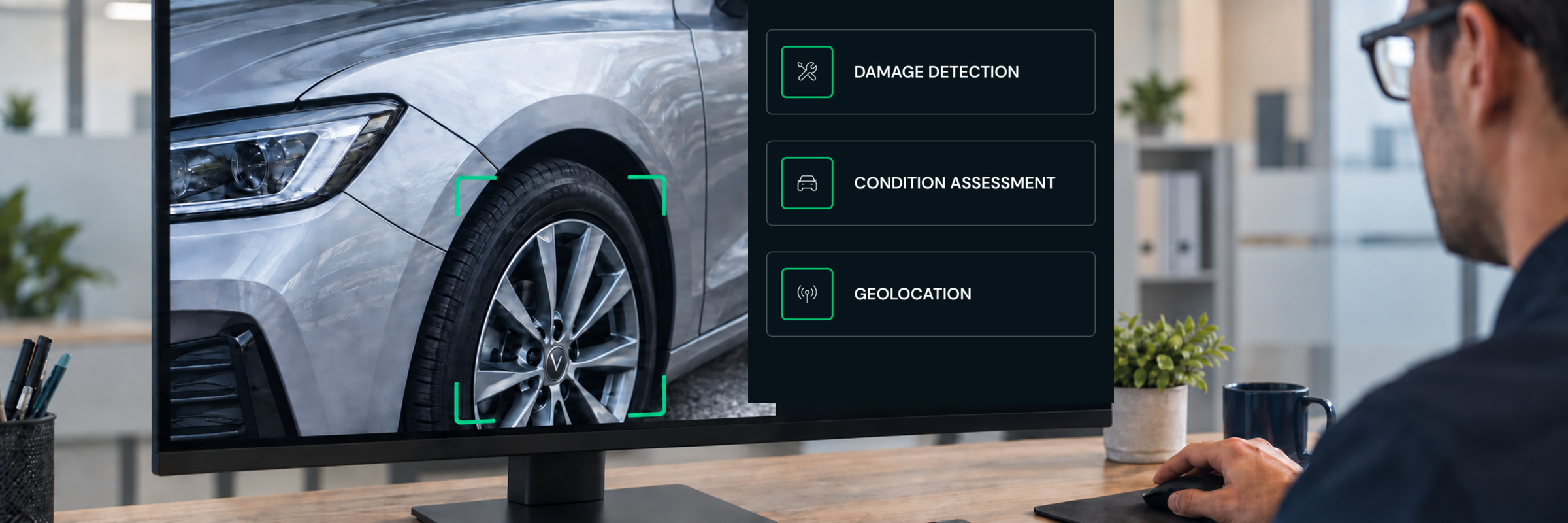
Warranty teams can use software to collect inspection photos, assess vehicle condition, extract claim details, manage repair communications, or analyze performance across an entire claims portfolio. But products in this category often support different parts of the warranty claims process.
This comparison looks at how six platforms differ across capture and authentication methods, fraud detection, AI analysis capabilities, and integrations.
Six platforms at a glance
Key differences between vehicle warranty solutions
1. Platforms support different parts of the warranty claims process
These platforms are not interchangeable. Some support the inspection itself, while others focus on repair communications, vehicle condition reporting, claims management, or portfolio-level intelligence.
Truepic supports the inspection stage of vehicle warranty claims. Repair facilities can submit guided photos, videos, and requested information without waiting for an on-site inspector, while the administrator manages the inspection through the Vision dashboard or an API connection with its existing systems.
2. AI capabilities vary significantly by solution
AI is expanding vehicle inspection software beyond photo collection. Depending on the platform, it can now detect damage classify severity, assess overall vehicle condition, extract claim details, or analyze performance across a broader claims portfolio.
At the individual inspection level, damage detection identifies conditions such as dents, scratches, punctures, or wear.
Warranty management and claims management platforms serve a different role. Rather than collecting and authenticating photos for an individual inspection, they analyze claim, repair, dealer, coverage, and financial information already stored across an organization’s systems.
These solutions can support claim validation and portfolio-level analysis, but they do not replace the inspection software needed to collect and authenticate photos for an individual vehicle claim.
3. Capture methods affect where inspections can be completed
Smartphone-based virtual inspections can be completed at repair facilities across a distributed network. Solutions like Truepic, iDVI, PAVE, and Inspektlabs offer smartphone capture options, but differ in how they guide capture and detect fraud.
UVeye takes a different approach. Its drive-through camera systems can scan vehicle exteriors, tires, and underbodies as vehicles move through an equipped location. That can be valuable for high-volume dealership, manufacturing, fleet, rental, or remarketing environments. It is less practical when warranty claims originate across independent repair facilities that do not have UVeye hardware installed.
Other solutions like Inspektlabs span both models by offering mobile capture alongside fixed-camera or gate options. Buyers should decide whether they need broad reach, controlled high-throughput scanning, or both before comparing feature lists.
Where Truepic differs from other solutions
Location verification goes beyond GPS coordinates
Many platforms can collect inspection photos, timestamps, and location coordinates. But recording that information doesn’t establish that it’s accurate. Location and time data can easily be manipulated through device settings, spoofing tools, compromised devices, or altered media.
Truepic goes beyond basic timestamp and geolocation data with more than 50 advanced diagnostic tests, including:
- Device integrity
- Network conditions
- Session consistency
- Media and capture integrity
- Repeat device and submission activity
.png)
These checks help warranty teams distinguish between a photo that simply contains location data and one whose metadata, device, and capture conditions have been evaluated for manipulation.
A standardized report is not the same as claim-ready data
Structured data should be useful, but generic outputs can still leave reviewers searching for the facts that determine coverage. For instance, a tire and wheel claim and a pre-warranty inspection do not require the same information.
The better question is whether the platform can structure the specific fields, checks, and documentation required for each inspection type.
AI Analysis in Truepic Vision examines the photos and information submitted for an individual inspection. For a vehicle claim, it can be configured to surface information such as:
- DOT date code and tire age
- Tire brand, model, and size
- Damage type and location
- Repairability
- Tread depth and wear pattern
- VIN and mileage
- Whether inspection details align with submitted claim documents & repair orders
It also structures capture, location, timing, device, and fraud-check data for review in the dashboard or through the API.
.png)
Each finding includes its source photos, reasoning and confidence score. Results below 70% confidence are flagged for review. The adjuster can then review those findings alongside the submitted claim documentation and coverage requirements before making the final decision.
Frequently asked questions
1. What questions should I ask a vehicle warranty software provider?
Ask how the platform captures and verifies inspection photos, whether saved uploads can be blocked, what fraud signals it checks, and what information its AI can extract or assess.
Buyers should also ask whether a solution’s AI-enabled insights can be configured by claim type, how low-confidence findings are handled, whether the platform supports API access and a white-label experience, and what implementation requires.
2. How does vehicle warranty inspection software help detect fraud?
Vehicle warranty inspection software can help prevent questionable content from entering the review process and flag patterns that may warrant closer attention.
Depending on the platform, capabilities may include live-camera capture, upload prevention, time and location checks, AI-generated or manipulated image detection, device-level risk signals, and detection of repeated devices or identifiers across claims.
Some products apply these checks when photos are captured, while others analyze files or claims data after submission.
3. How can AI capabilities support tire and wheel warranty claim reviews?
AI capabilities can extract and organize details such as tire brand, model, size, DOT date code, tread depth, wear pattern, damage type, damage location, and repairability.
They can also compare inspection findings with repair orders or other submitted information and flag uncertain results for closer review. The adjuster can then use those findings alongside the claim details and coverage requirements to make the final decision.
Move from inspection request to claim decision faster
Truepic helps vehicle warranty teams collect authenticated inspection photos and turn them into structured findings for faster review and decisions.
With Truepic’s Flex pricing package, starting at $1,000 a month, organizations aren’t locked into an annual commitment. They can get started on a monthly basis and scope their inspection volume before moving to a committed volume plan.
Explore Truepic pricing or see how AI Analysis works.
Subscribe to Truepic updates
Stay up to date with our latest resources and articles.