

Turn verified inspection photos into decision-ready insights
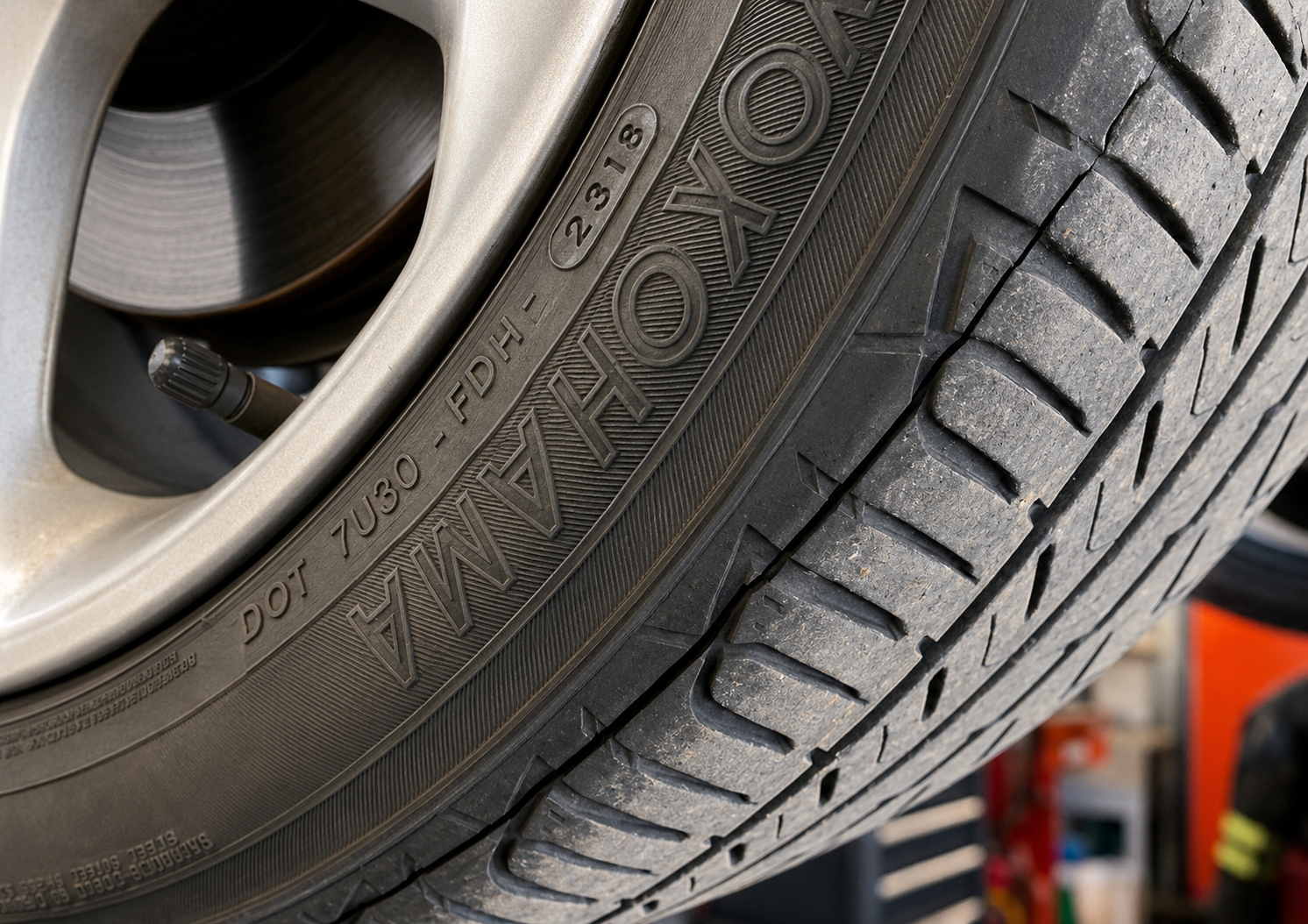

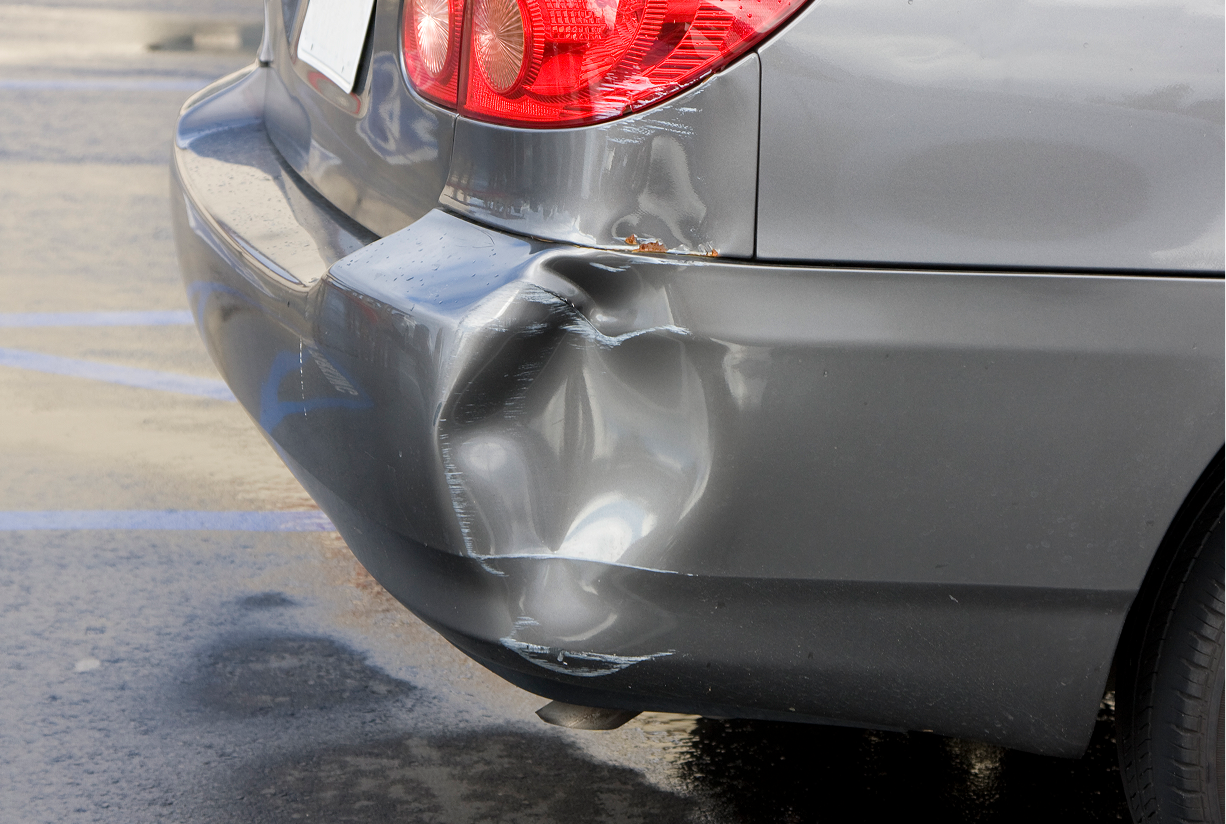

How it works
Reviewers get the findings they need without digging through every photo, then make the final call with the full context in front of them.
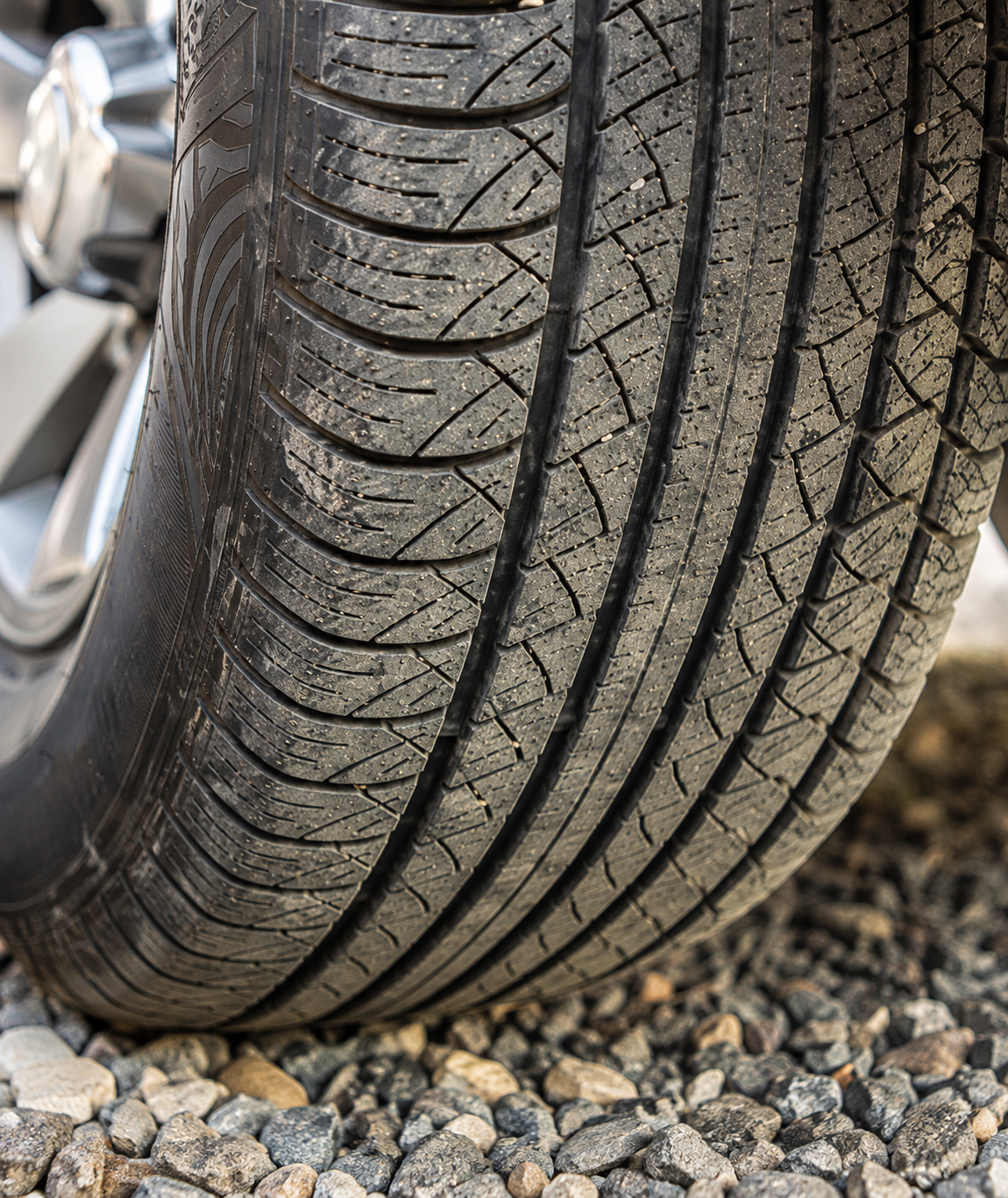
Capture
The tire is photographed in a guided Truepic Vision inspection.
Verify
The capture runs through 50+ fraud checks.
Analyze
AI Analysis surfaces the structured findings your reviewer needs.
Decide
Your reviewer makes the final call, backed by the facts.
AI insights are only as trustworthy as the photos behind them
Most AI takes photos at face value. Truepic Vision doesn't.
AI Analysis starts with captures already checked for time, location, and device integrity.
Reviewers get structured findings they can act on faster without adding more uncertainty to the decisions that follow.
Put reviewer expertise where it matters most
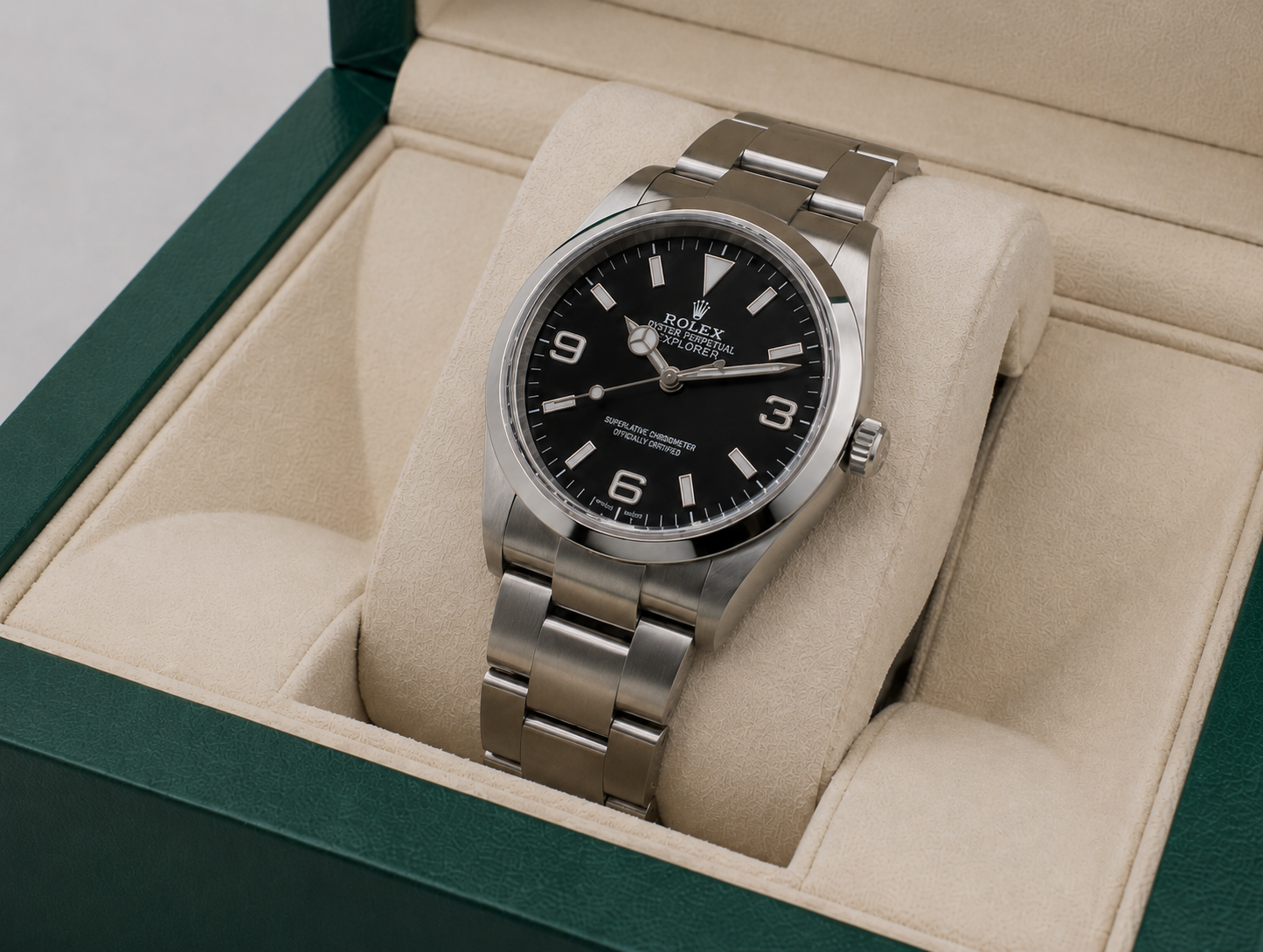
Today reviewers open submission after submission looking for specific facts - a serial number, model, or damage cause.
AI Analysis gives them a more intuitive way to find what matters without clicking through every photo.
Structured findings are organized field by field in one easy view, making it simple to spot what needs attention and dig deeper when needed.
Every finding is sourced, every decision is yours
Each extracted field shows the value, confidence score, source photos, and reasoning, including how it was cross-checked against submitted documents.
Anything below 70% confidence is automatically flagged for a closer look, helping reviewers identify where to dig deeper.
That transparency empowers your team to make faster, more confident decisions.

Built for the facts your reviewers need
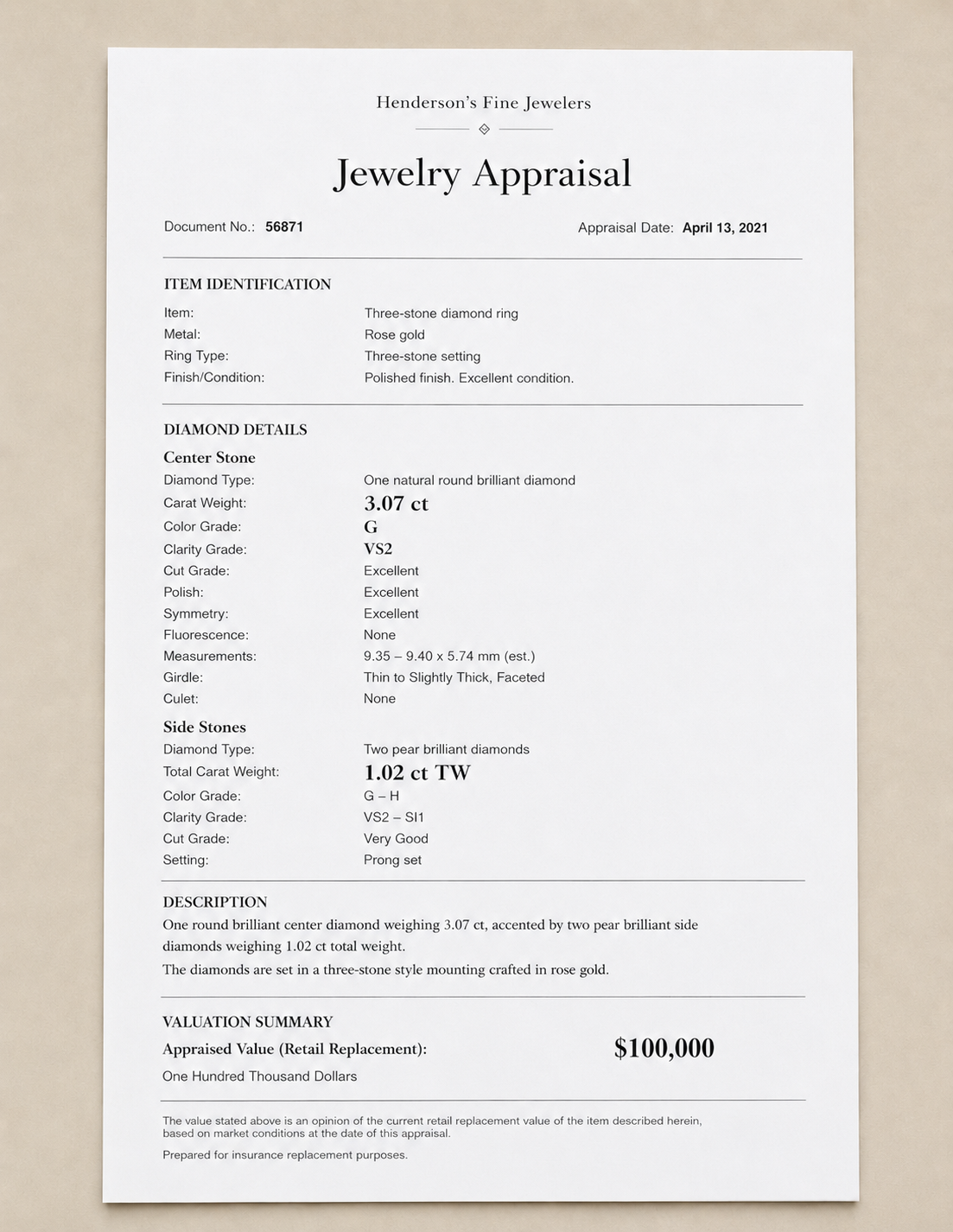
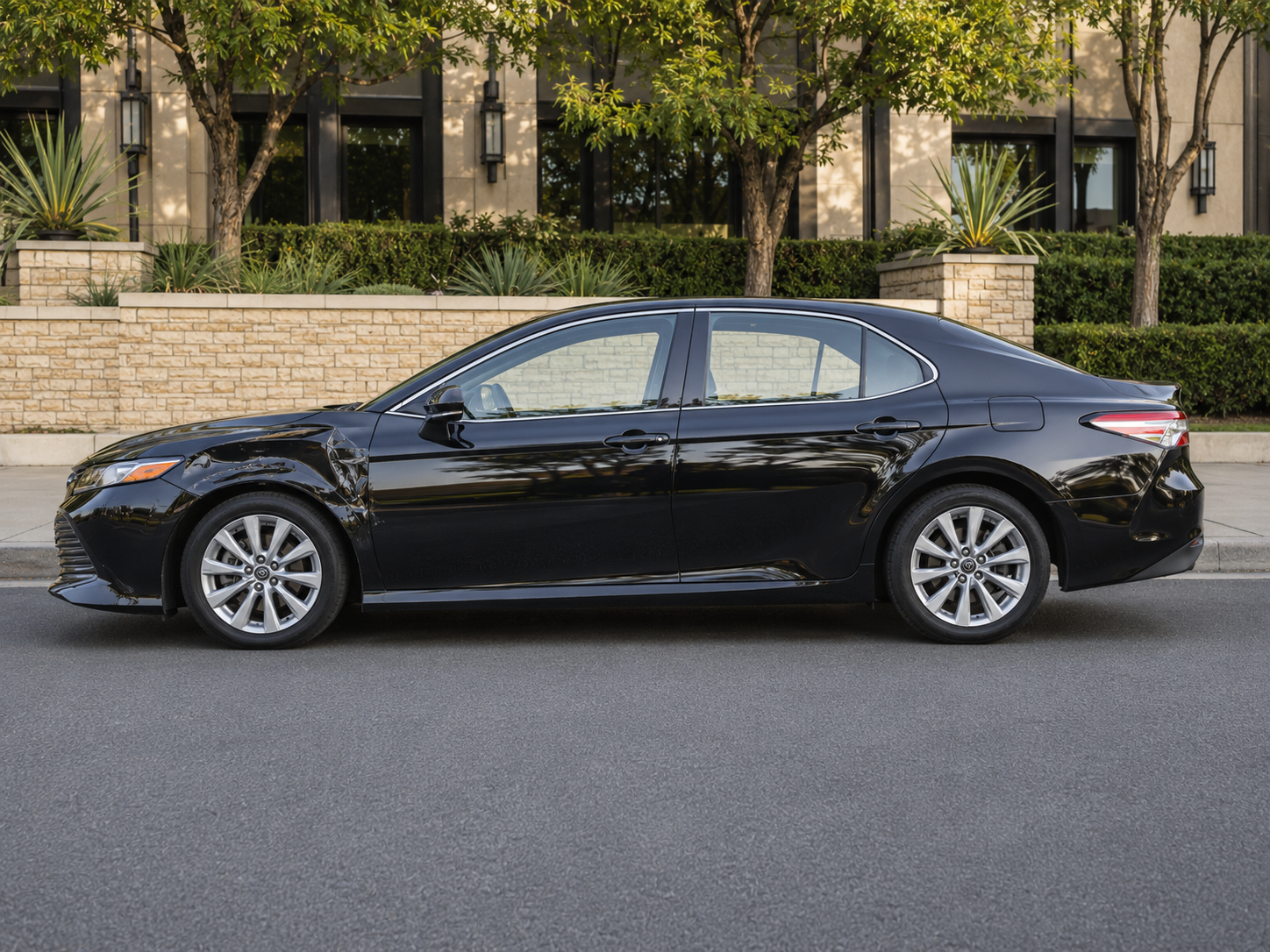
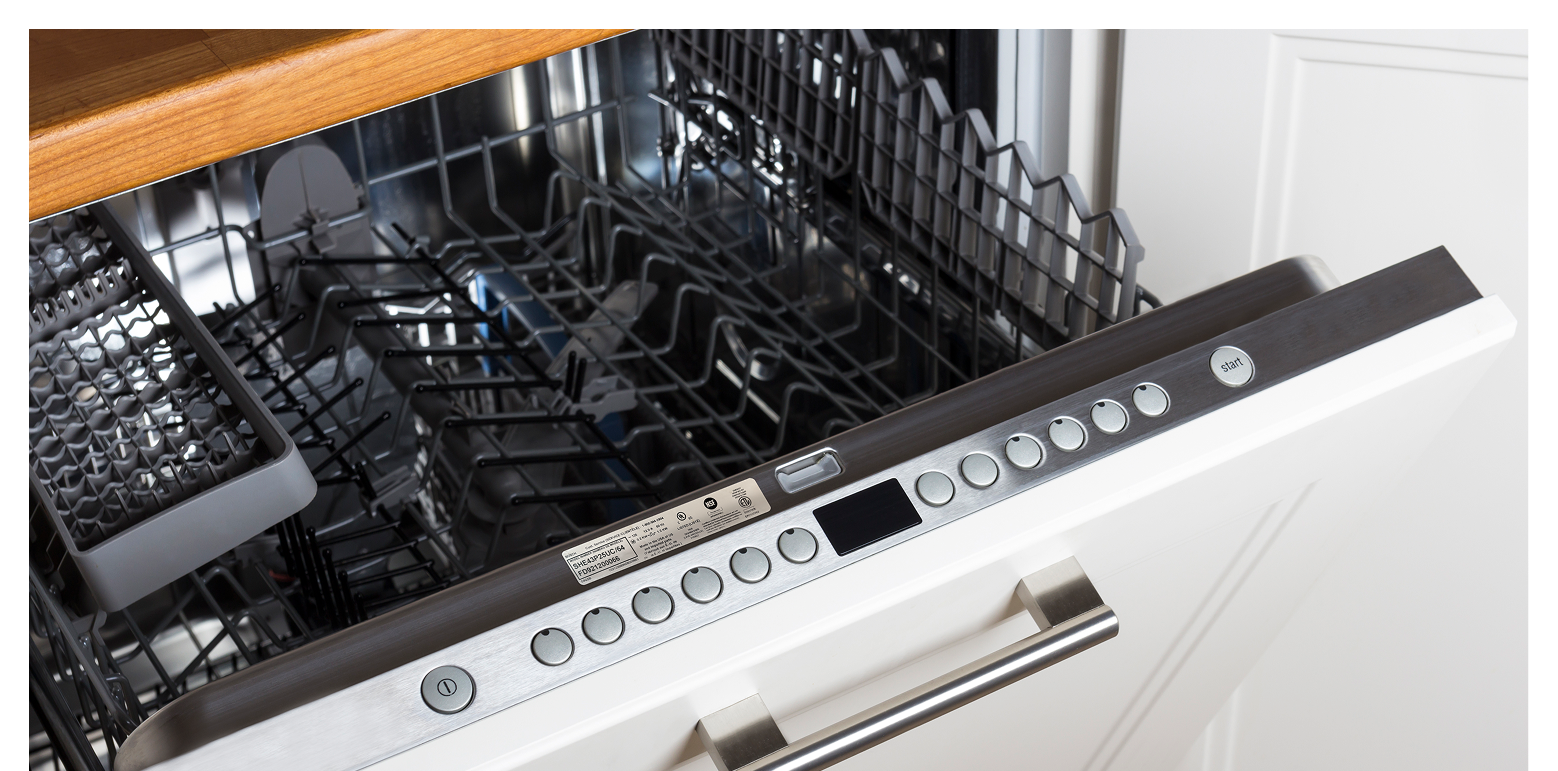
Whether you are underwriting a property, investigating a damage claim, or assessing warranty coverage, AI Analysis can be configured to help you get to the facts faster.
.png)
Frequently asked questions
Does AI Analysis make claim or coverage decisions automatically?
No. AI Analysis extracts structured findings from inspection photos and surfaces them for your reviewers, with confidence scores that show where to look closer.
Your team makes the call. The feature is designed to give reviewers a head start, not to replace their judgment.
What kind of findings can it extract?
It depends on how you configure it for your workflow.
Common examples include serial number identification, model and manufacturer identification, condition assessments, damage identification, and part identification.
Truepic works closely with your team during onboarding to define the schema that fits your process.
How accurate is it?
Accuracy depends on the field, and the system tells you when it's uncertain.
A serial number on a clearly visible label will be extracted with high confidence. An inferred damage assessment requires more interpretation and is probabilistic.
Every extracted field includes a confidence score, and anything below 70% is automatically flagged with a warning.
How can I validate AI Analysis' output?
Every answer is auditable. Source, confidence, and reasoning are all surfaced in the dashboard — which image, which text, which detected object.
The reviewer verifies against the image. There's also a thumbs-up/down feedback mechanism per subject that feeds back into the product.
How long does the analysis take?
AI Analysis runs in the background after a user completes an inspection request, typically finishing within minutes.
ls our data used to train AI models?
No. Customer data is not used to train public AI models. Photos and videos are processed under Truepic's data agreements.
Do we configure it ourselves or does Truepic set it up?
You're never starting from a blank slate.
During onboarding, your dedicated Customer Success Manager works with you to understand your workflow and build an initial configuration around the specific fields and outputs your team needs, so it's tuned to your use case from day one.
From there, it's all managed directly in the platform: changing what you analyze is a quick edit rather than a project, and your CSM is there whenever you want a second set of eyes.
Get started