

TRUEPIC BLOG
Introducing AI Analysis: Turn verified inspection photos into decision-ready insights
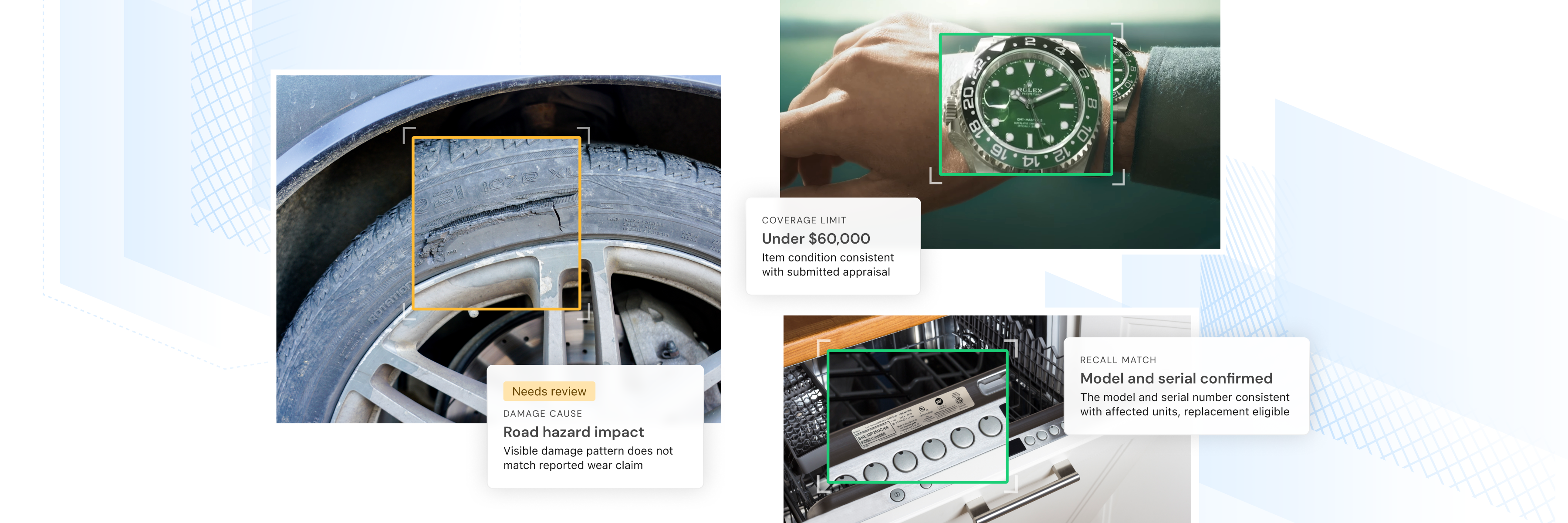
Today we're introducing AI Analysis to the Vision platform. Until now, turning an inspection into a decision meant someone opening every photo and pulling the facts out by hand. The VIN, model, serial number, damage, and more. One submission at a time, often over days.
Truepic Vision's AI Analysis now does that work for you. It looks at the authenticated photos and data from an inspection and gives you back the same facts your best reviewer would find, laid out as clear, decision-ready data, in minutes instead of days.
Routine submissions clear faster, and your experts spend their time on the ones that actually need a closer look. And your team's size stops being the limit on how much you can take on.
What is AI Analysis?
AI Analysis reads photos and data submitted during a Truepic Vision inspection and transforms the verified content into a structured summary based on configurable workflow fields.
You decide which clean submissions move straight through automatically and which ones require a reviewer's closer look. The decision-ready insights help reviewers find critical facts and make confident decisions faster with trusted intelligence.
Image analysis review is configurable to the client’s preferences and workflow needs. No customer data is used in model training, and no metadata is viewed or recorded by the AI analysis.
All results (e.g., manufacturer, model, serial number, condition, damage cause, or destruction proof) include a status, confidence score, supporting sources, and an explanation of the analysis. Low-confidence fields receive a visible warning, directing attention to uncertain or missing information.
Each source points back to evidence supporting the result, including visible text, detected objects, specific images, or information supplied during intake. The platform’s AI analysis also surfaces unexpected items visible in the submission, giving reviewers useful context beyond the configured fields.
How AI Analysis works
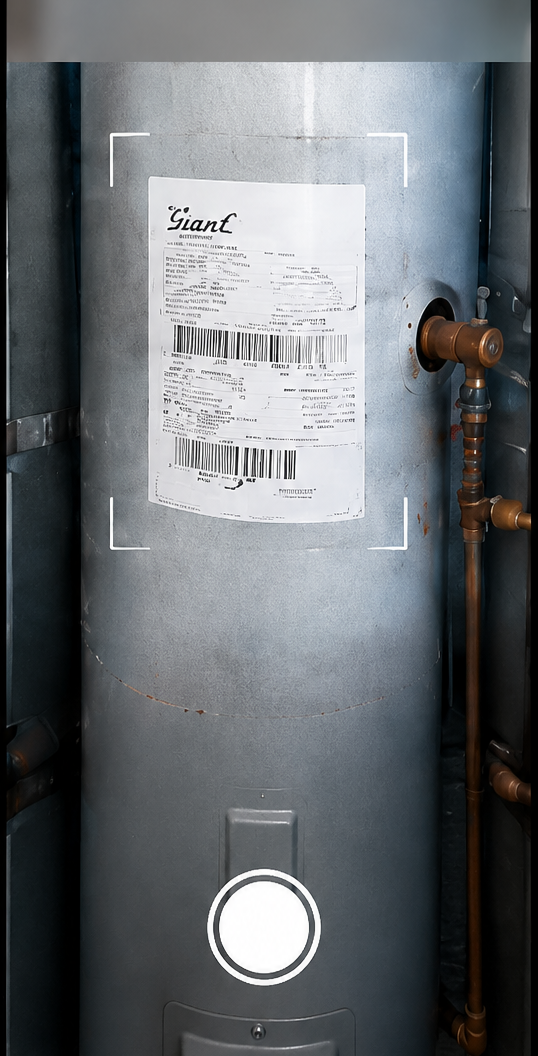






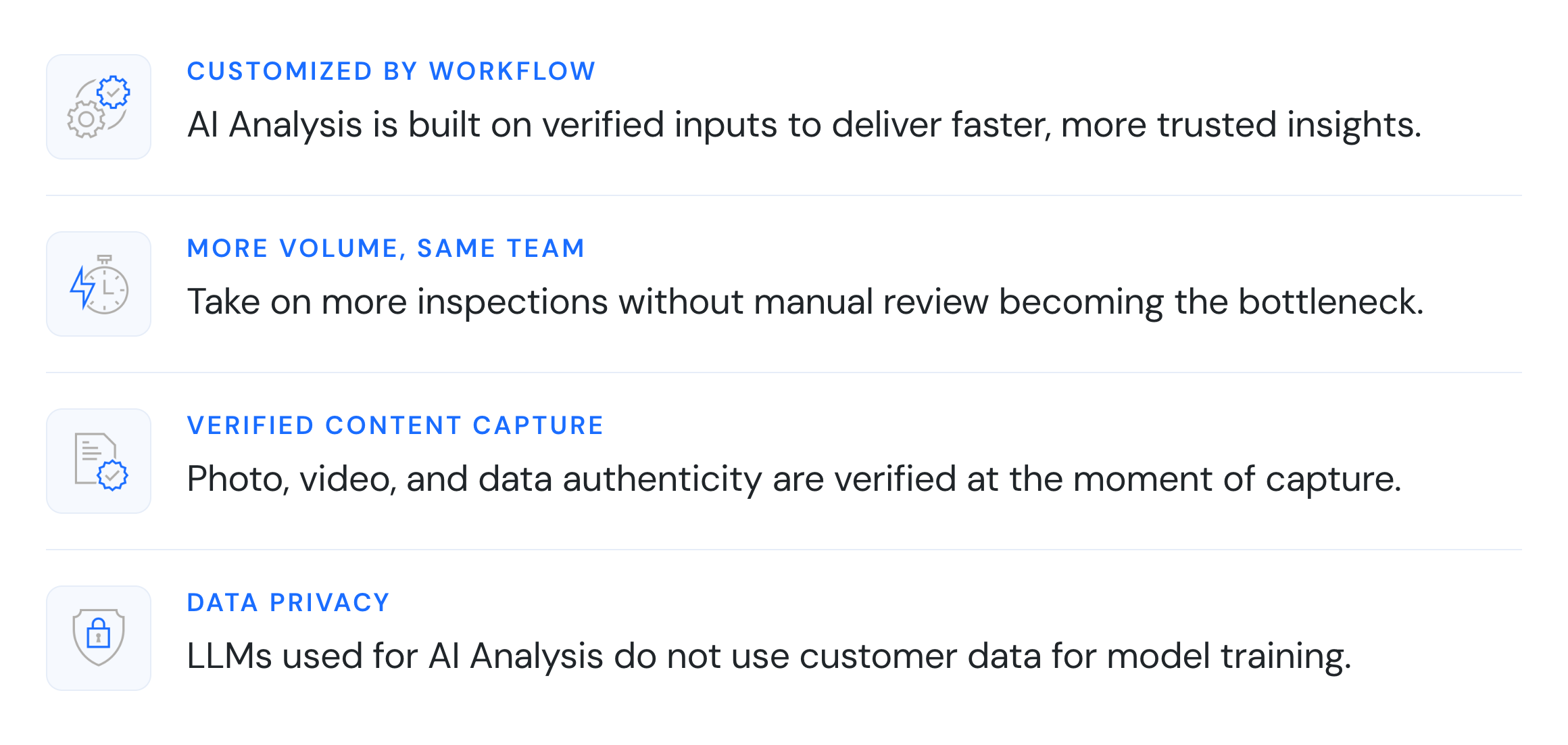
- Authenticated capture: The submitter completes a guided Truepic Vision inspection. Truepic verifies photos, videos, and data at the moment of capture and retains the associated evidence for review.
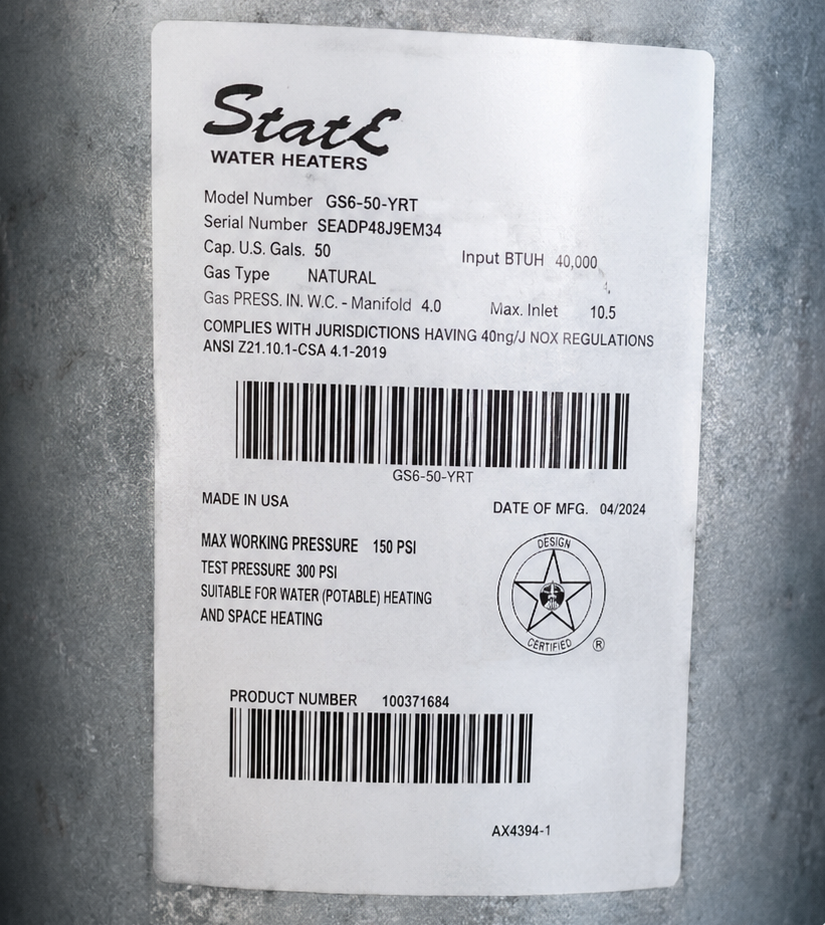
- AI analysis: After submission, AI Analysis runs in the background using the fields configured for the workflow. It detects visible text, identifies products and models, checks supporting documents, and assesses condition.
- Structured insights: AI Analysis organizes findings into decision-ready fields, such as item type, serial number, and condition. Each result includes confidence, supporting sources, and reasoning, with uncertain or missing information flagged.
- Faster decisions: Decision-ready findings arrive in minutes, helping reviewers move through routine submissions faster and focus on exceptions. Your team reviews flagged results, compares them with the source evidence, and makes the final decision
To get an in-depth view of how AI Analysis works, check out this 3 minute product demo video:
Configured around the decisions your team makes
AI Analysis serves any workflow where reviewers need specific facts from photos, videos, and data, including:
- Insurance underwriting: Identify manufacturer, model, serial number, condition, visible documentation, and other scheduled property details.
- Claims adjudication: Assess damage type, location, severity, likely cause, and inconsistencies between stated facts and visible evidence.
- Product recalls: Confirm brand, model, serial number, date of manufacture, and required proof such as product destruction.
- Warranty coverage reviews: Extract model information, visible damage, possible misuse, maintenance evidence, and supporting documentation.
- Property inspections: Surface property characteristics, visible systems, hazards, and condition concerns for review.
The same framework supports different industries because each organization defines the fields, instructions, output format, and warning behavior aligned with its process.
Getting started
AI Analysis is available now in Truepic Vision. Our team works with you to configure fields for your inspection types during onboarding, and iterating is as simple as editing descriptions as your needs evolve.
Request a demo to see AI Analysis configured for your use case, or reach out to your account team to get started.
Subscribe to Truepic updates
Stay up to date with our latest resources and articles.